How to install the glass panel heater

Modified on Tue, 1 Oct, 2024 at 10:18 AM

Follow the steps below to pair the heater 


1. Press the power button on the heater:
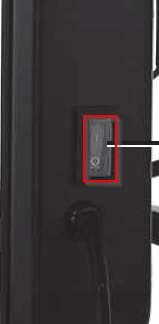
Graphical user interface Description automatically generated with medium confidence


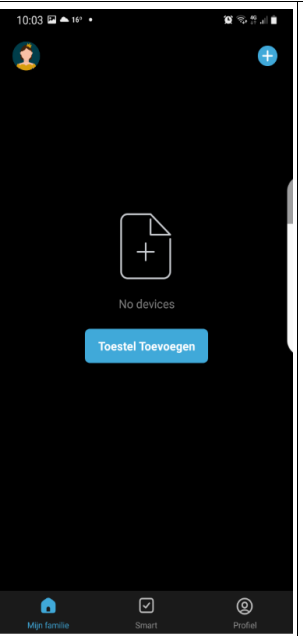
2. Press add in the app:


3. Select the device:

Graphical user interface, application Description automatically generated 


4. Press the on button for 6 seconds until 3 beeps sound:
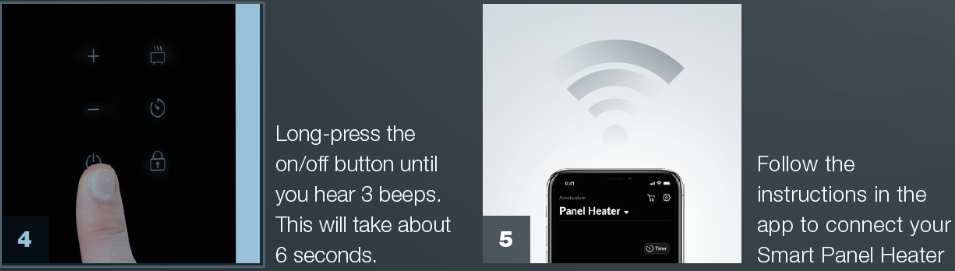
A hand holding a smart phone Description automatically generated with low confidence 


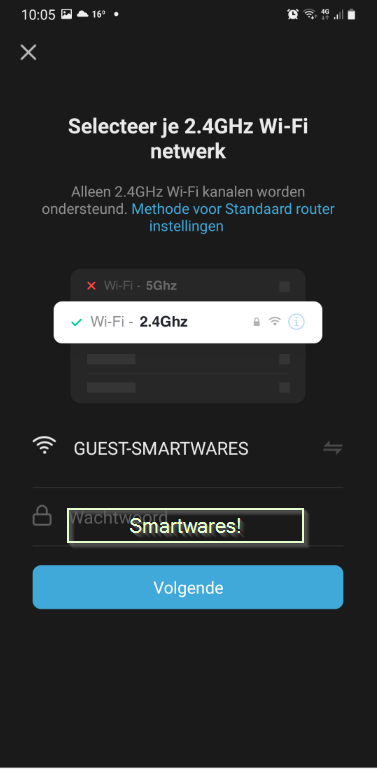
5. Choose your Wi-Fi password: 

A screenshot of a phone Description automatically generated with medium confidence 


6. Ignore this message and press ‘carry on’ 
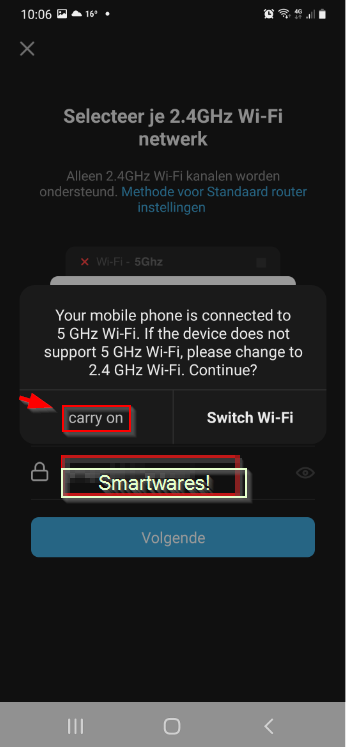
A screenshot of a phone Description automatically generated with medium confidence 


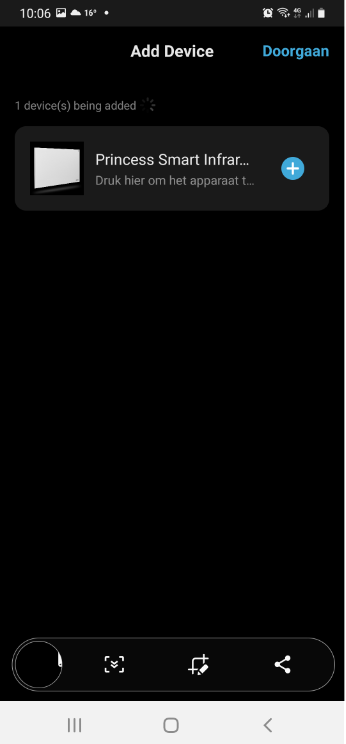
7. Now add the heater: 

A screenshot of a phone Description automatically generated with medium confidence 


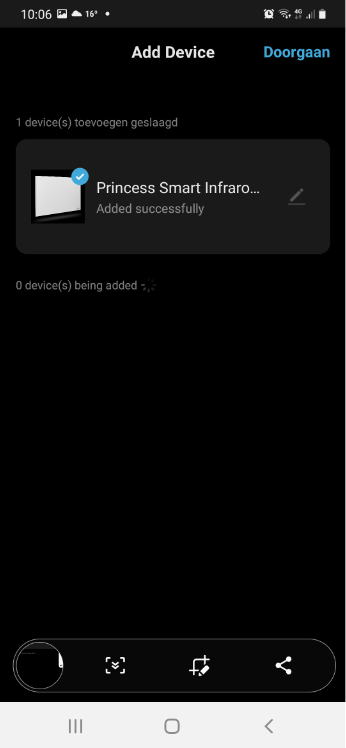
8. Choose the heater: 

Graphical user interface, text, application Description automatically generated 


9. The heating can now be controlled via the app: 
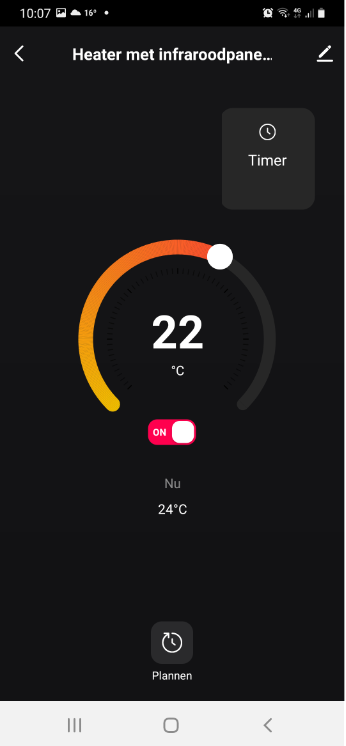
A screenshot of a phone Description automatically generated with low confidence 


Was this article helpful?

That’s Great!

Thank you for your feedback

Sorry! We couldn't be helpful

Thank you for your feedback

Let us know how can we improve this article!

Select at least one of the reasons
CAPTCHA verification is required.

Feedback sent

We appreciate your effort and will try to fix the article