I have trouble logging in to the HomeWizard Kitchen app

Modified on Fri, 4 Dec, 2020 at 11:14 AM


Intro

  • Follow this step-by-step guide if you have trouble logging in to the HomeWizard Kitchen app.


Step 1

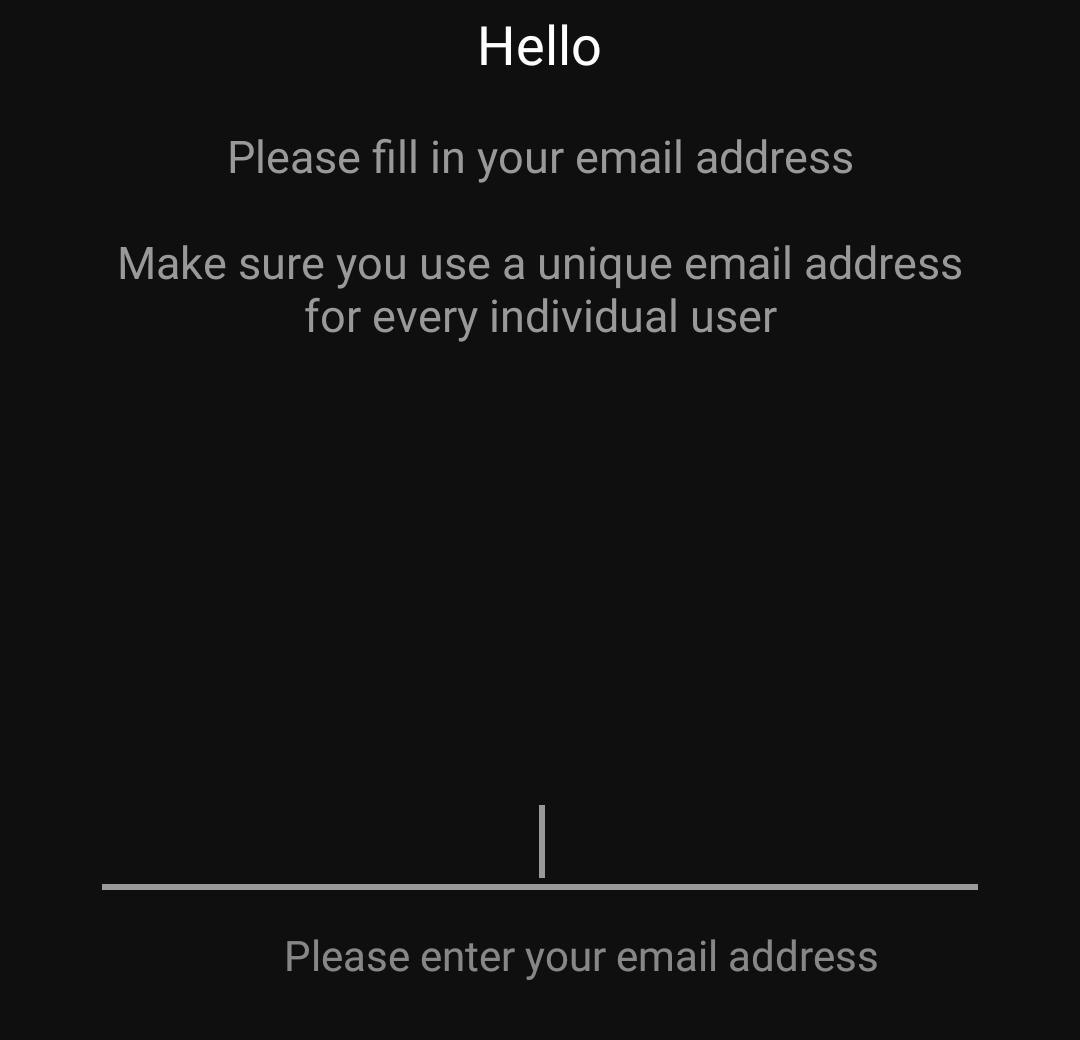
  • When you make a new HomeWizard account, a randomly generated password will be sent to your e-mail address
  • Please use this password to log in.


Step 2

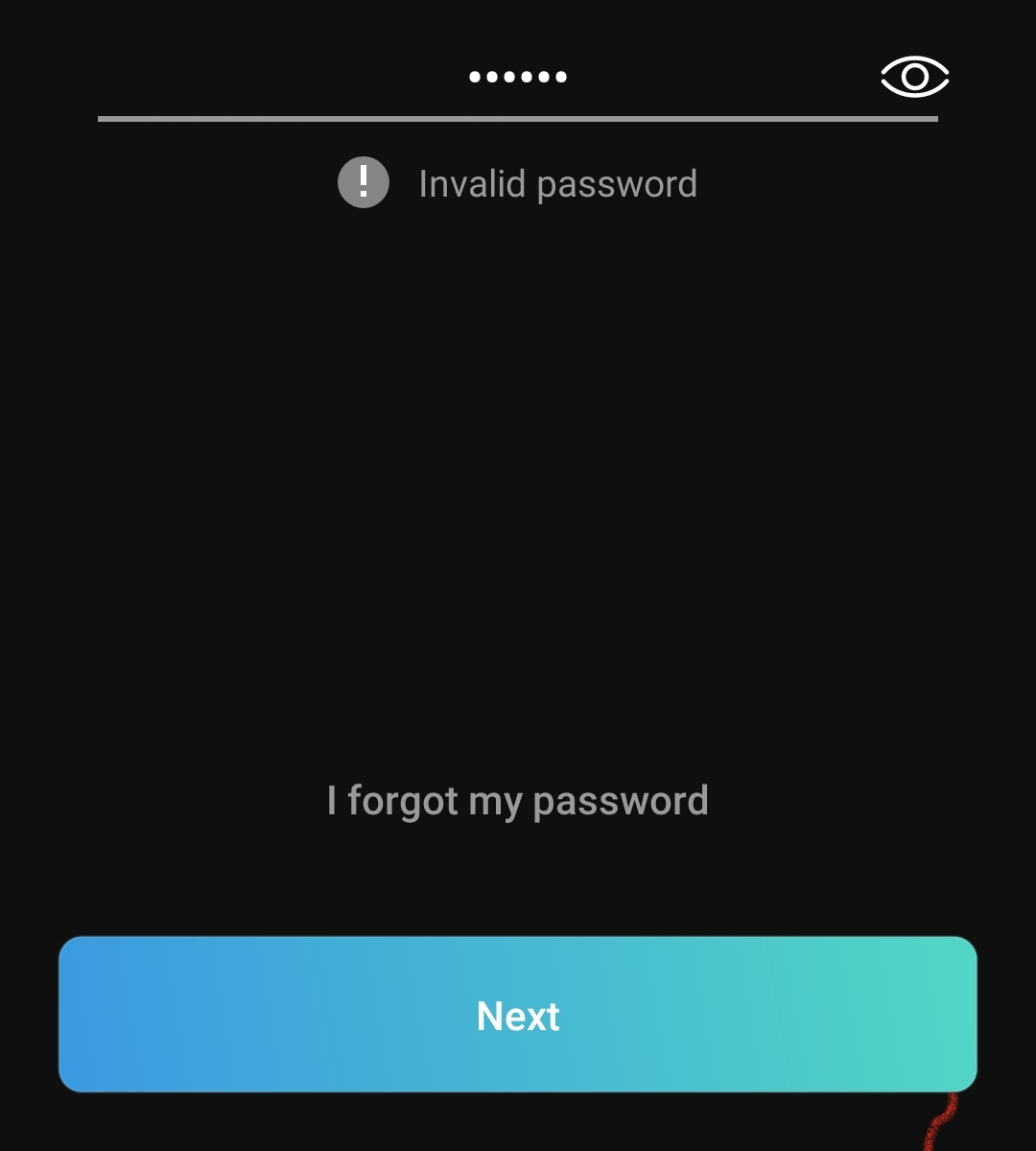
  • If logging in does not work, and you have requested multiple new passwords by clicking 'Forgot your Password', you have multiple random passwords.
  • Please use the last one you've recieved.


Step 3

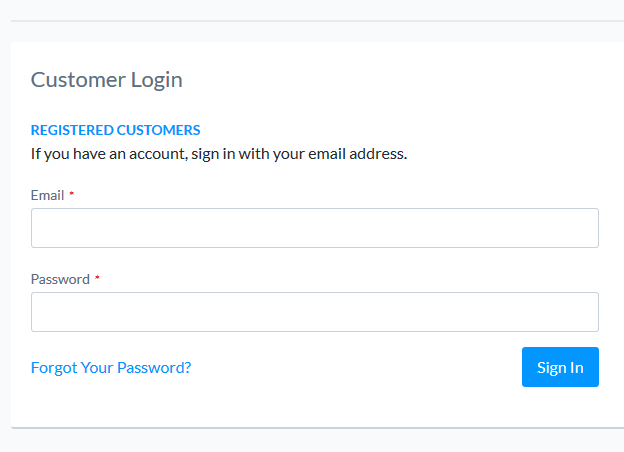
  • If the app does not accept this password, go to www.homewizard.com and try logging in there.
  • If this does not work either, choose 'Forgot your password' on the website.
  • Use the new password sent out to you.


Step 5

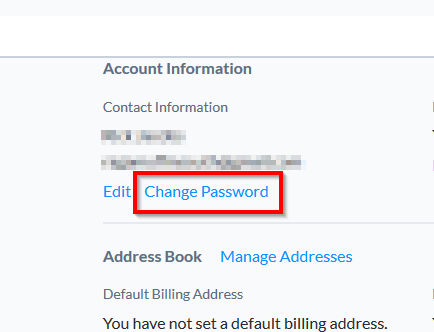
  • After you've logged in successfully, you are able to change your password on the HomeWizard Dashboard on the website.
  • Use the newly changed password to log in to the app.


Was this article helpful?

That’s Great!

Thank you for your feedback

Sorry! We couldn't be helpful

Thank you for your feedback

Let us know how can we improve this article!

Select at least one of the reasons
CAPTCHA verification is required.

Feedback sent

We appreciate your effort and will try to fix the article